Foresite Design Editorial Team · Updated for 2026

Top 10 Web Design Trends for 2026 (UK Business Guide)
Web design moves fast. What felt fresh two years ago can already look dated in 2026.
The good news? You don’t need to chase every shiny trend. Focus on the ones that actually improve clarity,
speed, and trust. Here are the top 10 web design trends for 2026 — in plain English — plus how
they help UK businesses win more enquiries.
If you want a refresh, explore our website design services or ask for a
performance‑focused audit.
1. AI‑Assisted Personalisation
The best sites now adapt to the person viewing them. That might mean changing the opening message based on location, swapping a case study based on industry, or showing the most relevant CTA first. It’s not about being creepy — it’s about being helpful and fast. If a visitor can see what they need in the first five seconds, they’re far more likely to stick around and enquire.
2. Performance Is the Design
Speed isn’t just a technical goal anymore — it’s a design decision. Heavy visuals, bloated plugins and oversized scripts are out. In 2026, a “good‑looking” website also means fast Core Web Vitals and snappy mobile load times. Our SEO services include performance optimisation because rankings and speed go hand‑in‑hand.
3. Scrollytelling (Used Lightly)
Scroll‑triggered reveals and subtle motion make a page feel polished, but only when used with restraint. Think light fades, gentle parallax, and small interactive cues — not full‑screen effects that slow the site down. The goal is to guide attention, not distract it.
4. Bold Typography That Carries the Message
Big, confident typography is the new hero image. It lets your value proposition do the talking and makes pages easier to scan on mobile. Pair it with shorter copy and stronger hierarchy and you get a site that feels modern and crystal‑clear.
5. Soft 3D + Mixed Media
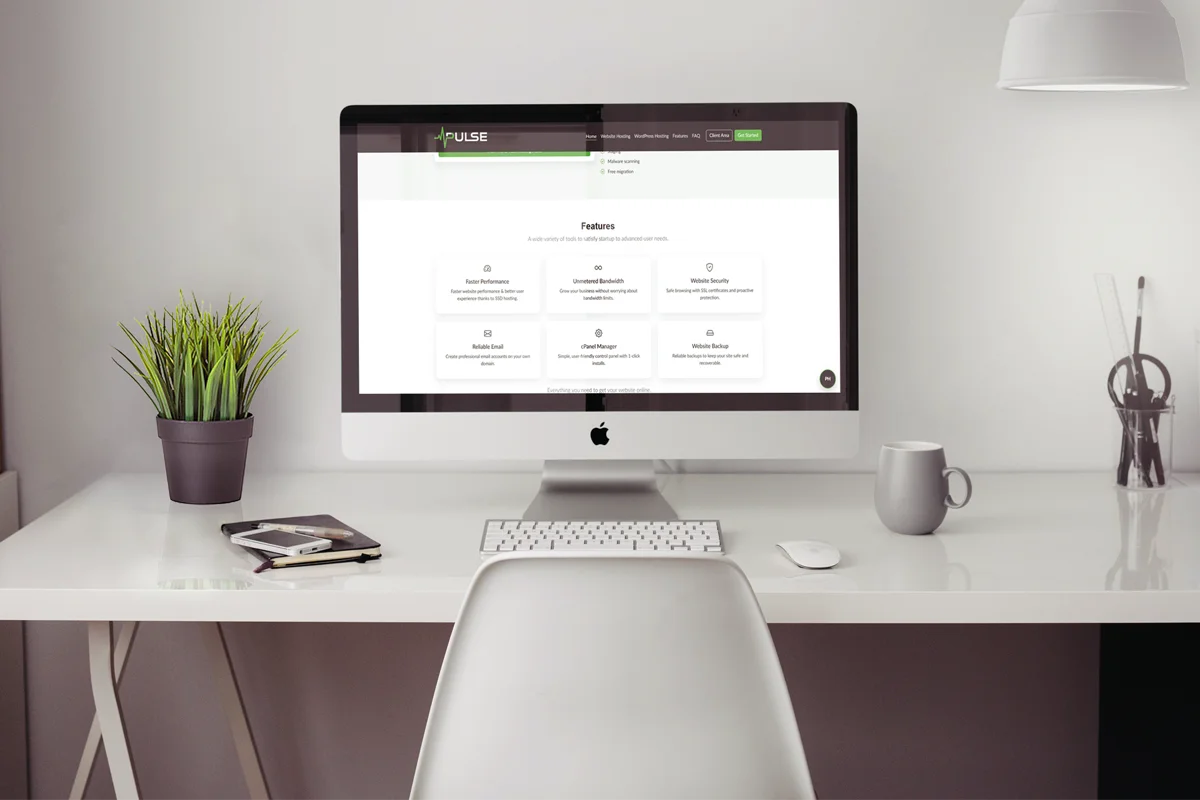
You’ll see more layered visuals: subtle 3D shapes, glass‑style panels, and short video loops that add depth without shouting. It creates a premium feel, but the trick is keeping assets compressed so speed stays sharp.
6. Organic Layouts & Curves
Perfect grids are giving way to softer, curved sections that feel more human. This works especially well for service businesses — it feels welcoming and less “corporate template.”
7. High‑Contrast Minimalism
Minimal doesn’t mean empty. It means fewer distractions, stronger contrast, and more breathing room so the eye lands exactly where you want it — usually on a headline and CTA.
8. Dark Mode + Adaptive Themes
Dark mode is now expected, but adaptive themes are the next step. Sites that switch automatically by time of day or user preference feel smoother and more considerate — especially on mobile.

9. Accessibility‑First Layouts
This isn’t optional anymore. Clear contrast, keyboard‑friendly navigation, and proper structure improve usability for everyone and boost SEO. Accessible design also makes your site feel more premium and professional — because it works for all users.
10. Conversational UX
Long forms are out. Guided flows, quick questions, and chat‑style interactions help visitors take action without friction. You can see how our Site Concierge handles this — it turns browsing into a simple step‑by‑step journey.
How to Use These Trends Without Ruining Speed
Most “trendy” sites fail because they overload the page. Keep it simple:
- Compress images: WebP, correct dimensions, lazy‑load below the fold.
- Prioritise the hero: Preload the main image and avoid heavy scripts above the fold.
- Keep motion light: Small, purposeful interactions beat heavy animations.
Frequently Asked Questions
Want a 2026‑Ready Website That Converts?
If you're ready to update your website with modern trends, performance‑first design, and SEO best practice, we can help.
Request a Free Website Review