
Foresite Design Editorial Team · Updated for 2026
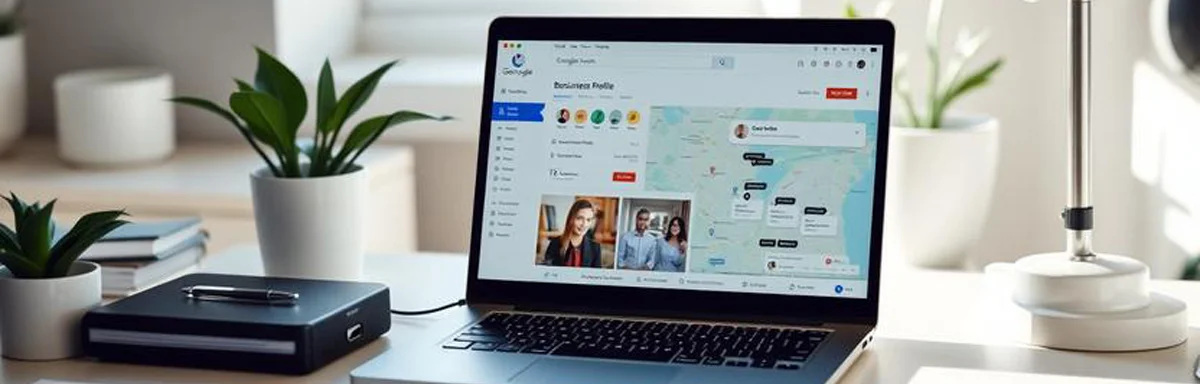
Google Business Profile setup checklist (2026): a simple, step-by-step guide for UK businesses.
A Google Business Profile (formerly Google My Business) is one of the fastest ways to get local enquiries. This checklist is designed for busy business owners who want a clean, complete profile that helps them show up in Google Search and Maps.
1. Create or claim your profile
Go to Google Business Profile and search for your business name. If a listing already exists, claim it. If not, create a new profile. Use the exact business name you use on your website, signage, and invoices for consistency.
2. Choose the right primary category
Your primary category is one of the strongest ranking factors. Pick the closest match to your core service. Add a few secondary categories only if they are genuine services you offer.
3. Add your service area or address
If you serve customers at their location (e.g., trades, home services), use a service area and hide your address. If customers visit you, show your full address and ensure it matches your website and other listings.
4. Verify the business (postcard, phone, or video)
Verification proves you are the real owner. Follow Google’s steps to verify — usually by postcard, phone, or video. Don’t skip this; unverified profiles won’t rank well.
5. Add services and service descriptions
Add your main services and write short, clear descriptions. This helps Google understand what you do and helps customers trust you. If you have a website, mirror the same service wording for consistency.
6. Upload real photos
Photos increase clicks. Add a logo, cover photo, and real images of your work, team, or premises. Aim for 10+ quality photos to start and add a few every month.
7. Add opening hours, phone, and website
Keep hours accurate — incorrect hours are a top complaint. Add your main phone number and website URL. Make sure the phone and address match your website.
8. Write a clear business description
Use plain English and mention your location, services, and what makes you different. Avoid keyword stuffing. Example: “We’re a local web design studio in Redditch helping small businesses grow with fast, SEO-friendly websites.”
9. Turn on messaging (optional)
If you can reply quickly, turn on Google messaging. Fast replies improve trust and can lead to more enquiries.
10. Post weekly updates
Google Business Profile posts keep your listing fresh. Add weekly posts like offers, recent projects, FAQs, or tips. Consistent posting helps engagement and local visibility.
11. Ask for reviews (and reply to them)
Reviews are huge for local rankings and conversions. Ask happy customers for reviews and reply to every review — good or bad. It shows you care and builds trust.
12. Track performance
Check GBP Insights monthly to see calls, direction requests, and website clicks. Use that data to guide your next posts and improve your website if needed.
If you want help setting up or improving your Google Business Profile, we can handle it for you and make sure your website supports it. Contact us for a quick review.
Back to Blog